

Shopify is gradually rolling out a new design for the admin. We rebuilt Bulk Product Editor to match it, so the app now looks like the rest of your admin, with the same tables, buttons, and page layouts you see on Shopify’s own pages. Edits, spreadsheets, exports, and rules all work the way they did before, and your saved searches, schedules, and history are all still there.
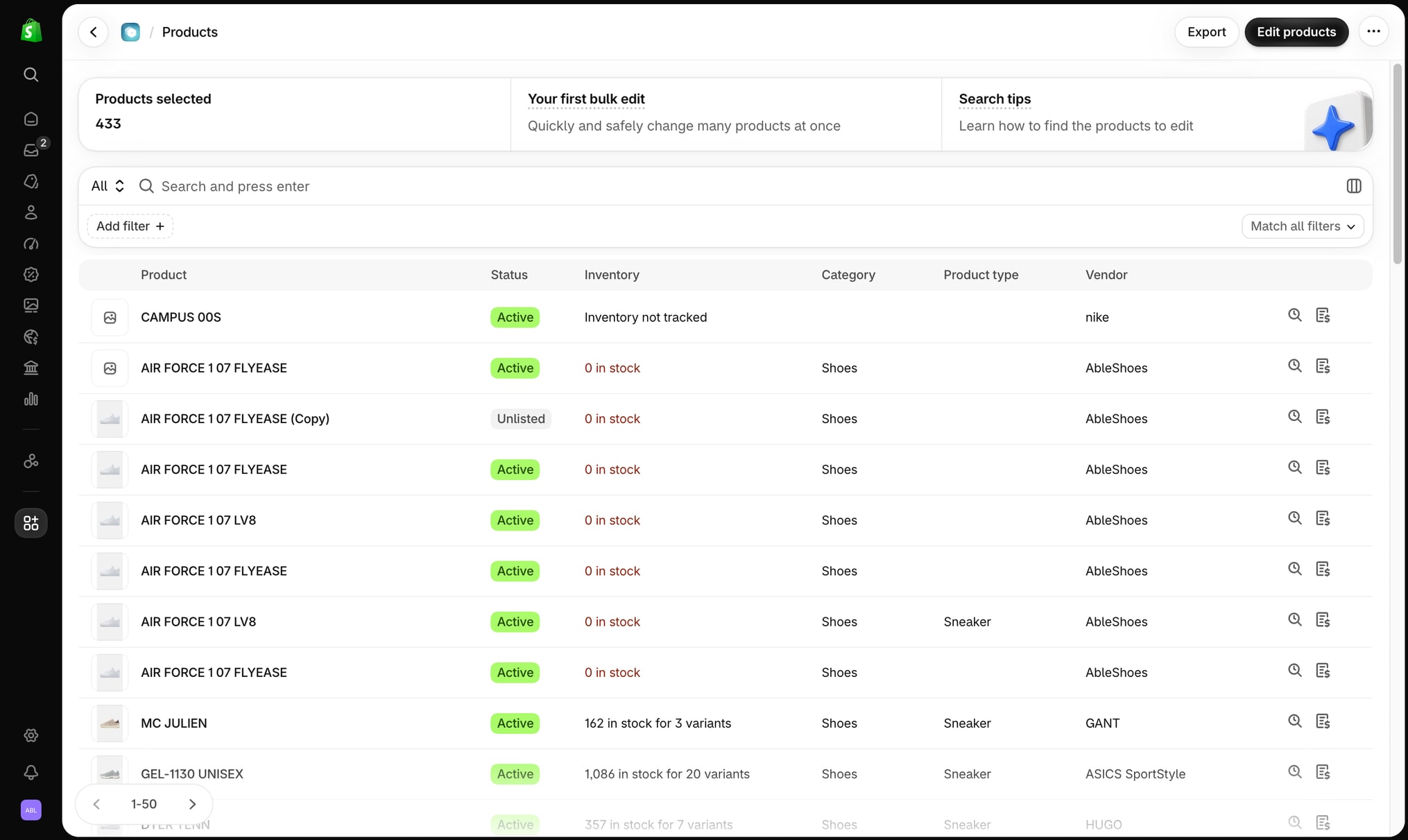
We’re moving stores over to the new design gradually. While rebuilding the pages we also added two features.
Choose the columns on the Products page
On the Products page, click Display options in the filter bar to pick which columns the product table shows and to change their order. Each saved search keeps its own columns, so a view you use for pricing can show different columns than a view you use for inventory.
Search the log of an edit
When you open an edit, you can now search its log by product title, SKU, or product ID. On a large edit this takes you straight to the product you want to check, instead of paging through thousands of rows.
If something in the new design doesn’t work the way you’d expect, let us know through the live chat in the app and we’ll help you out.
