

You can now set or remove variant images in bulk using the in-app editor. This is useful when you need to assign specific images to individual variants across many products - for example, assigning a “Red” variant to its corresponding red product image.
To use this feature:
- Search for the products you want to update
- Select “Variant Image” from the field dropdown in the Actions menu
- Choose either “Set variant image” or “Remove variant image”
- For setting an image, enter the image URL you want to assign
- Preview the changes before running the edit
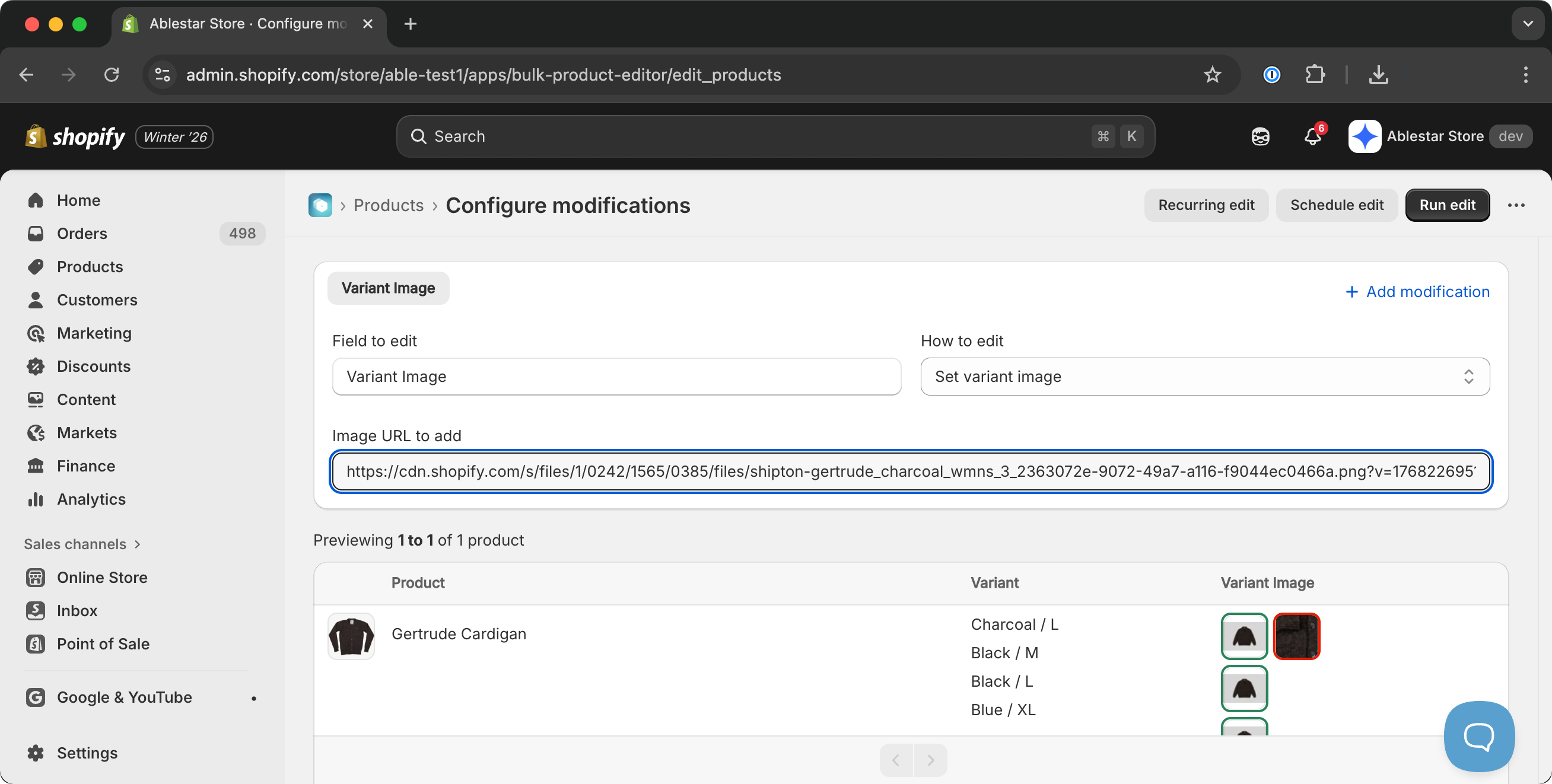
The preview shows thumbnail images of both the current and new variant images, making it easy to verify your changes before applying them. When you set a new variant image, the app automatically attaches the media to the product if needed and cleanly handles any previously assigned images.